Approvals: leave and timesheets
The Approval center is one inbox for everything waiting on a decision: leave requests and weekly timesheets. Approving a request runs the real action — leave comes out of the balance, an approved timesheet locks its entries.
For: MemberManagerAdmin
Turning approvals on
The Owner or an Admin opens Workspace management → Modules, ticks Approval center and Approval management, and saves. Approval center then appears for everyone under HR · APPROVALS; Approval management for people who manage the workspace.
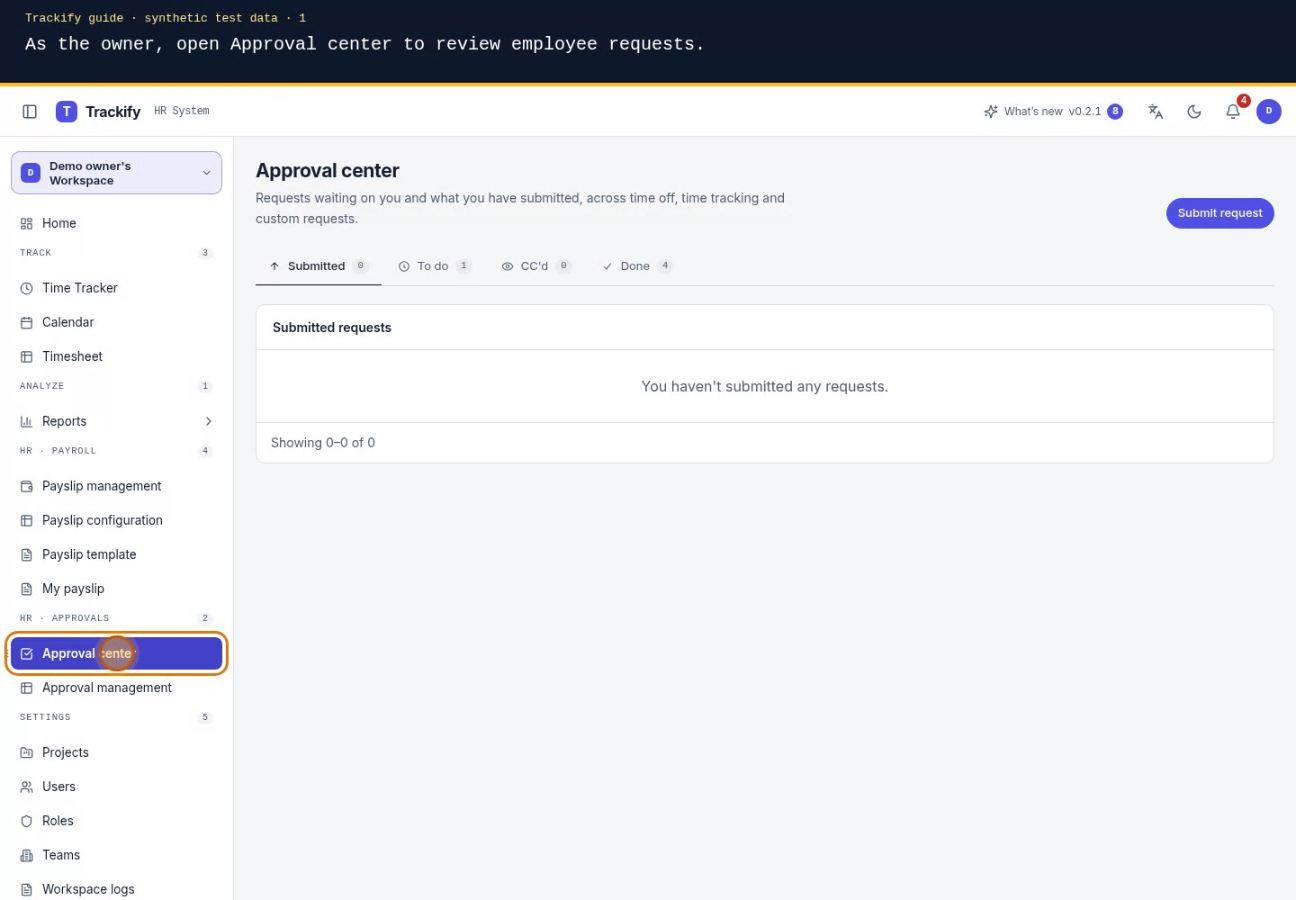
The Approval center
- Submitted — what you asked for, with its status. Cancel your own pending request with Cancel → Confirm cancellation.
- To do — requests pending your approval. Filter by type (Time off, Time tracking) or by person; Approve all handles a batch.
- CC’d — requests you were copied on.
- Done — decided requests.
Approve or reject
- Open To do and click View for the details.
- Click Approve, or Reject and add an optional note. Both ask you to confirm.
- The person is notified in the app.
Who decides: leave and timesheets go to the requester’s team lead; if their team has no lead, any Admin or the Owner. Nobody can approve their own request.
Timesheet approval and locking
- A member opens Timesheet, checks the week and clicks Submit for approval.
- While pending they can Withdraw it to make changes.
- When a lead approves, every entry of that person in that week is locked: editing or deleting shows “This time entry is locked”. A rejected week is not locked and can be fixed and resubmitted.
Leave requests
Click Submit request → Time off request in the Approval center. The full flow — balances, half days, holidays — is in Time off.
Try it with your team
Trackify is free for up to 5 users, with no time limit and no card required.